
Brand Guide
Start here before using any FixItMarin materials. The Brand Guidance booklet explains how to use the FixItMarin name, logos, graphics, colors, messaging, and materials correctly and consistently.
Review the booklet before downloading or customizing assets. It provides direction on proper logo usage, approved naming, visual standards, tone, and examples of how materials should appear across print, digital, and social media. This helps ensure that every FixItMarin communication feels connected, recognizable, and aligned with County standards.
Logos
Below is a list of logos for you to download. Click on the one you are after, once it opens, right click and select "Save Image as..." to download it. If you do not find the logo you are after, please contact Public Information Office.
-
Open to download: "Primary Logo"
Content textUse this primary logo on light backgrounds for most print, digital, and presentation materials.
-
Open to download: "Primary Logo Reversed"
Content textUse this logo on dark or colored backgrounds when the full color logo is not readable.
-
Open to download: "Primary Logo and Tagline"
Content textUse this version when there is enough space to include the tagline clearly and legibly.
-
Open to download: "Primary Logo and Tagline Reversed"
Content textUse this version with the tagline on dark or colored backgrounds for strong contrast.
-
Open to download: "Secondary Logo"
Content textUse this alternate logo when the primary logo does not fit the layout or format.
-
Open to download: "Secondary Logo Reversed"
Content textUse this alternate logo on dark or colored backgrounds when stronger contrast is needed.
Printable Materials
Below is a print ready PDF file of poster for you to download.
-
Flyer/Poster
Content textUse this poster in public spaces, counters, events, and community bulletin boards.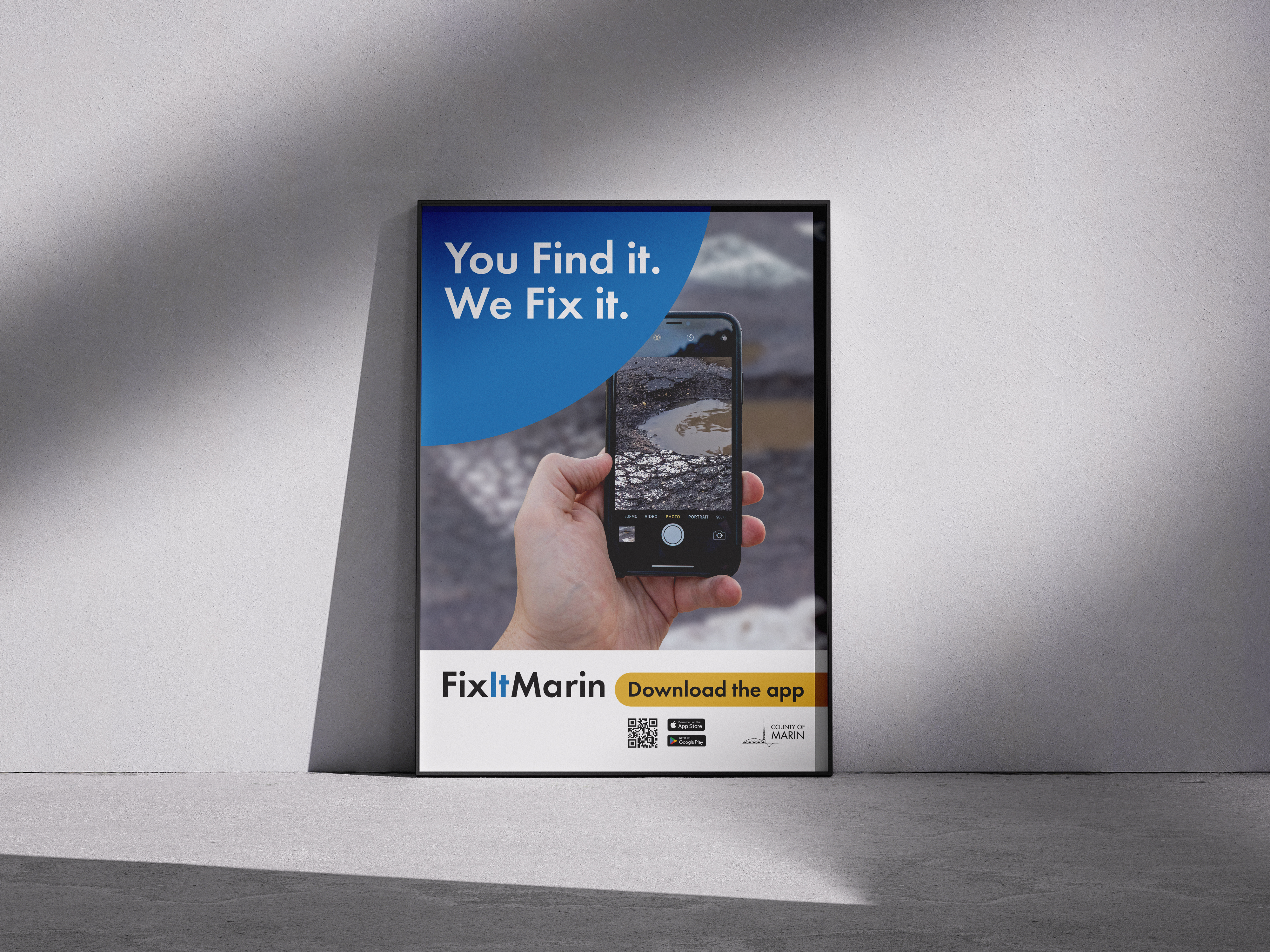
Digital Assets - Social Media
Use these graphics and sample captions to promote FixItMarin on County, department, and partner social media channels.
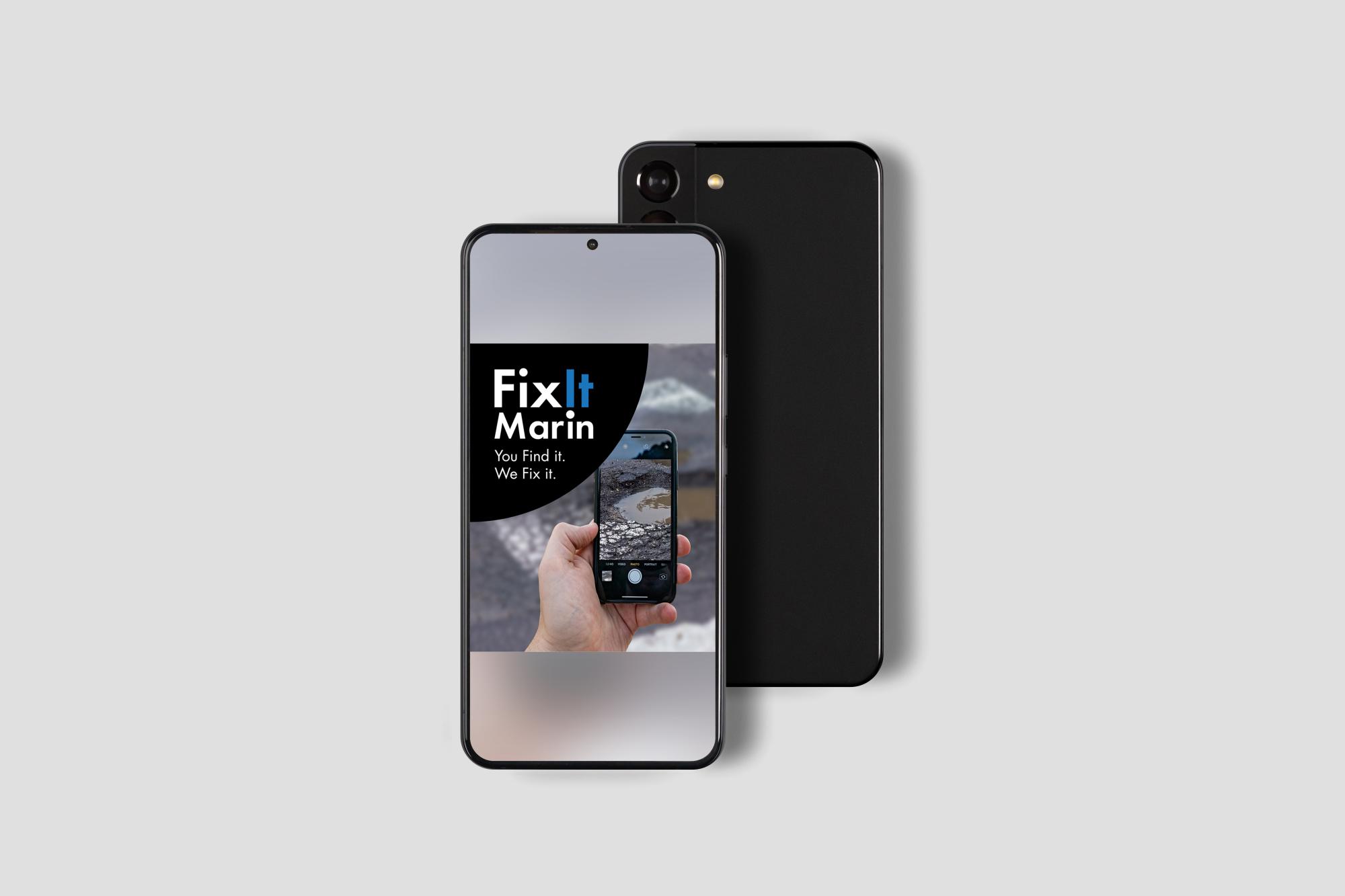


.png)
Suggested Captions
English
See something that needs attention in your neighborhood?
Use FixItMarin to report non-emergency issues in unincorporated Marin County, including potholes, streetlight outages, fallen branches, and more.
Submit a report, add a photo and location, and track updates as County crews respond.
Get started: FixItMarin.com
FixItMarin is for non-emergencies only. For emergencies, call 911.
#FixItMarin
Spanish
¿Has visto algo que requiera atención en tu barrio?
Utiliza FixItMarin para informar de situaciones que no sean de emergencia en las zonas no incorporadas del condado de Marin, como baches, averías en el alumbrado público, ramas caídas y otras incidencias.
Envía un informe, añade una foto y la ubicación, y sigue las actualizaciones a medida que los equipos del condado responden.
Empieza aquí: FixItMarin.com
FixItMarin es solo para situaciones que no sean de emergencia. Para emergencias, llama al 911.
#FixItMarin
Newsletter Copy
Subject line: You Find It. We Fix It. FixItMarin Has Launched!
Report Non-Emergency Issues with FixItMarin
Know of a pothole, illegal dumping, fallen branch, or other non-emergency issue in unincorporated Marin County?
FixItMarin makes it easy to submit a report from your phone or computer. In just a few steps, residents can share the issue, add photos and location details, and track progress as County crews respond.
How it works:
- Open FixItMarin on your phone or computer
- Choose the issue
- Add a photo and location
- Submit your report and track updates
Download the app or visit FixItMarin.com to get started.
FixItMarin is for non-emergencies. If there is immediate danger to life or property, call 911.
Illustrations
Use these illustrations to support FixItMarin outreach across web, print, social media, and presentation materials. Click on the one you are after, once it opens, right click and select "Save Image as..." to download it.
-
Open to download Image: "FixItMarin on Your Phone"
Content textUse this illustration to show that FixItMarin is available from a mobile device.
-
Open to download Image: "Submitting a FixItMarin Report"
Content textUse this illustration to show how residents can submit a location, description, and photo through FixItMarin.
-
Open to download Image: "Submit a Report on FixItMarin"
Content textUse this illustration to show a resident submitting a completed FixItMarin report from a mobile device.